Debugging application server and application itself
Answered

I'm trying trace the process of deployment of some application on different servers (Wildfly and Tomcat). I added their configurations in "Run/Debug Configurations" window. I went to Server tab and clicked on "Configure..." button to attach sources of the servers. I can see them in sources part:
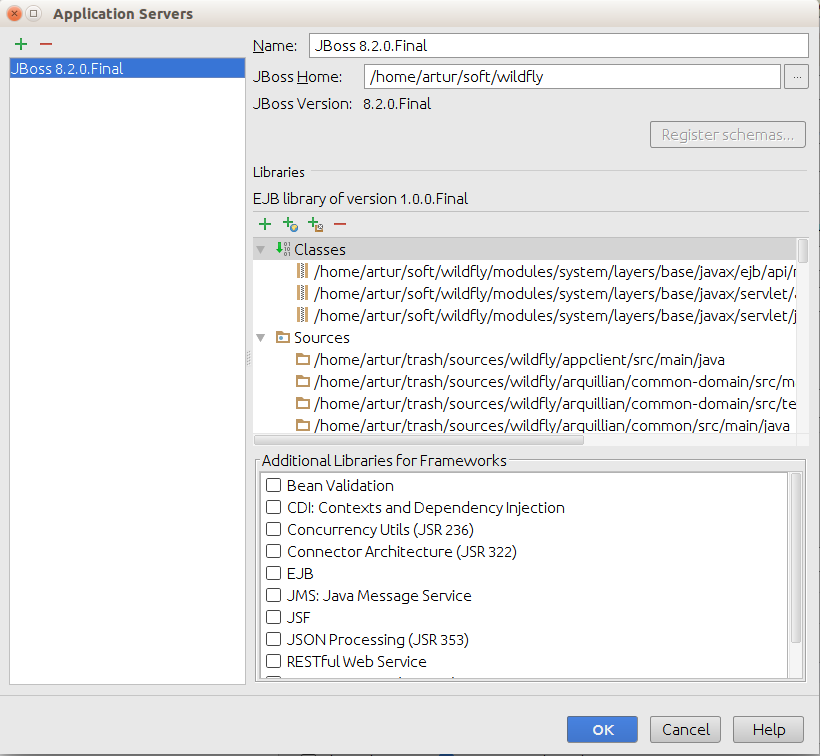
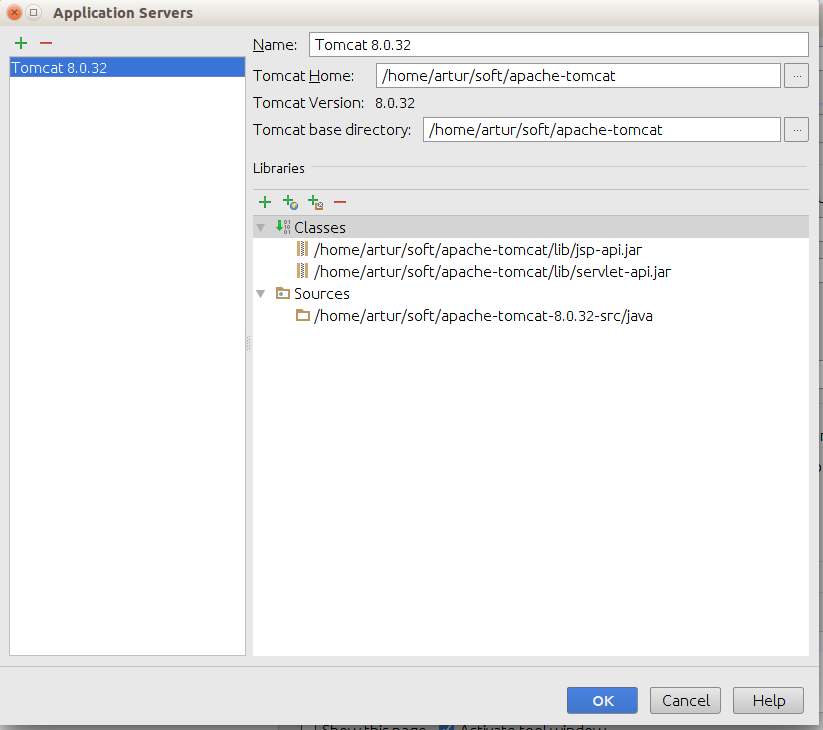
Unfortunatelly, when I debug application I can't view the source of the servers:
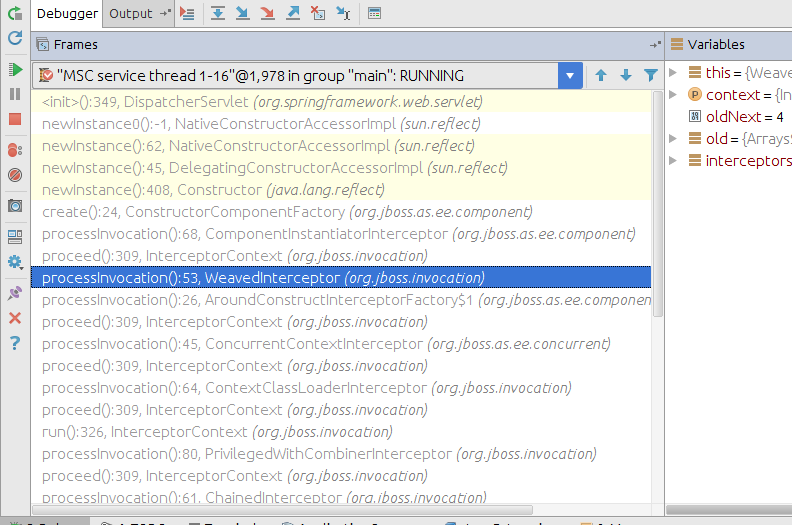 The frames have white background and grey text. What should I do to debug servers?
Please sign in to leave a comment.
Does it open decompiled classes instead of the sources?
No. I can see the variables and their values but no source code (neither original nor decompiled)
Configure application server library to include all the jars, not just servlet/jsp APIs, restart the debugger and it should work fine:
please also vote for https://youtrack.jetbrains.com/issue/IDEA-153317