Intellij Terminal and Vim Colors

Hi,
This may sound silly, but often I find myself using the built-in SSH terminal to edit configs on a remote server while working on a project. For some reason, when I launch vim to do these edits, the colors are all jacked up. I was thinking that this may be related to the colors set for the terminal. I was able to edit the terminal colors themselves, but this seems to have done nothing for the vim colors. Running vim from an external tool (such as iTerm) still looks fine.
Anyone know what I'm missing here? This is supposed to be the solarized theme.
For comparison, this is what it looks like in iTerm
Added iTerm screenshot.
Please sign in to leave a comment.
Hi all,
I'm facing quite the same issue using my Terminal.
I'm running Intellij 13.1 on Windows 7. When I open a Terminal, I'm getting this:

It's quite annoying and even a fresh install did not resolve this issue. Does anyone has any clue? (I did not found any topic else than this one, and of course I tried to change the font/color/theme)
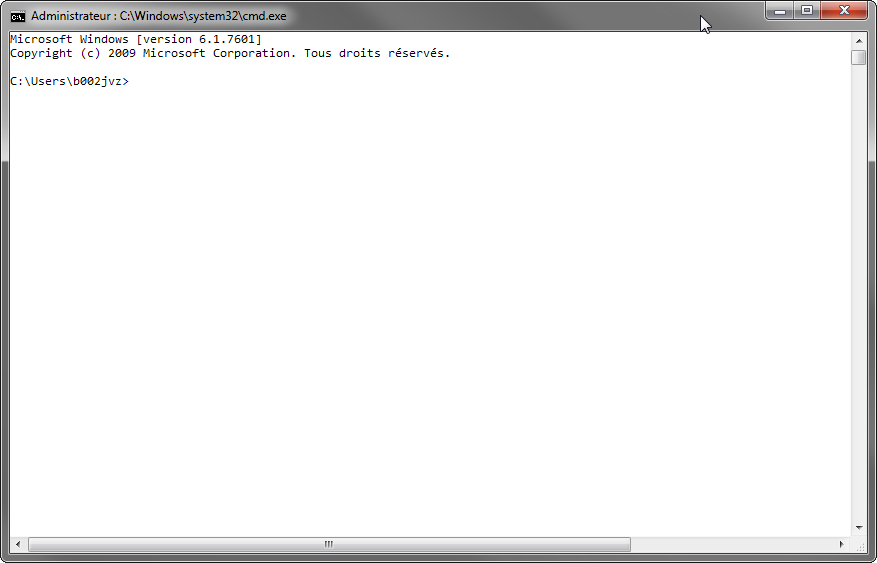
For your information, my cmd command prompt looks like this:
Best regards,
Nicolas
Attachment(s):
cmd.exe.png
Hi, please try the latest IntelliJ IDEA 14
Hi,
I'm using an enterprise license so I can't try the latest version (automatically deployed by the support).
Any other idea?
Thanks for your reply.
It's still a problem in the latest version. Also, I see there are issues with Android Stuido in this area as well.
http://unix.stackexchange.com/questions/175875/change-zsh-theme-in-android-studio?atw=1
I also have this problem but on PyCharm 2021.2.3
Oscarxavier Ox more than 6 years passed. The terminal subsystem for mac has been rewritten since. So, your case is hardly the same. Please create a post describing all the issues from the beginning. Screenshots and logs are appreciated.
I'm getting something similar on RubyMine 2022.1.3. There's also something weird when I open tmux. This is an example without tmux running though.
Please report at https://youtrack.jetbrains.com/newIssue?project=IDEA with the details about your OS/environment/terminal shell, IDE version, etc.