Changes to artifacts in project structure are lost after restart
Answered

Hey,
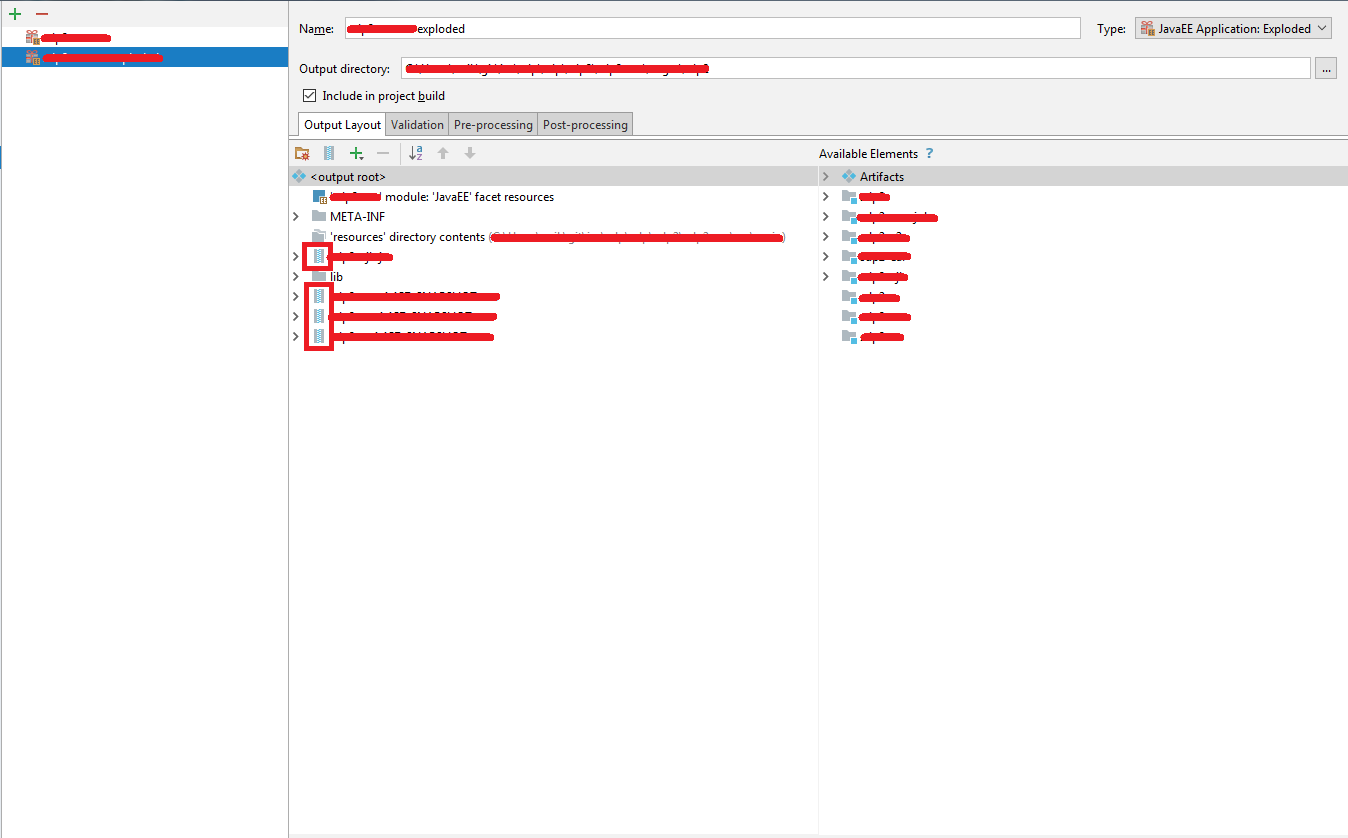
when I do changes to Artifacts in Project Structure they are lost after restart.
Doesn't matter if I simply do exit and start IDEA again or use the File -> Invalidate Caches / Restart.. -> Just restart.
After start my previous changes are gone.
Attached screenshots (obfuscate) show state before (A) and state after my changes (B).
The only change is the switch of elements from archive type to directory type.
Elements are WAR files inside exploded EAR artifacts.
Thanks for looking into this,
Zbynek
IntelliJ IDEA 2017.3.2 (Ultimate Edition)
Build #IU-173.4127.27, built on December 25, 2017
JRE: 1.8.0_152-release-1024-b8 amd64
JVM: OpenJDK 64-Bit Server VM by JetBrains s.r.o
Windows 7 6.1

Please sign in to leave a comment.
In Maven and Gradle projects artifacts are generated automatically.
If you want to keep your changes, make a new artifact with a different name (it can include the contents of the generated artifact in addition to your customizations).
That makes sense, thanks.
Any chance I can do a copy of existing artifact instead of creating brand new from scratch?
You can rename the existing artifact and reimport the Maven project.
Perfect! Thank you.