Android Studio Compilation Progress dialog looks weird
Answered

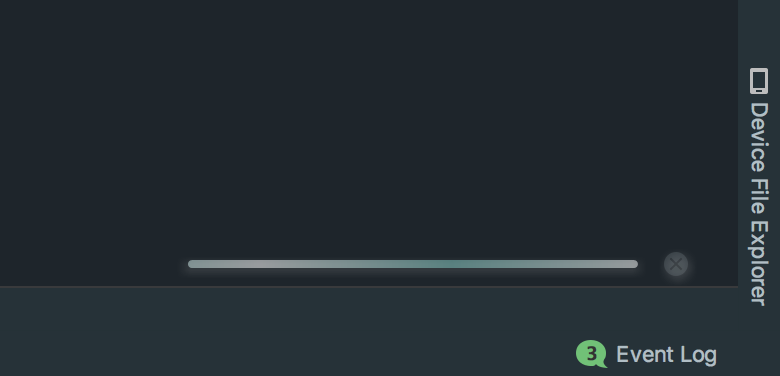
I don't know how I messed up this dialog. The dialog has no background. Its all transparent. I use a plugin `Material Theme UI` and also have a custom color theme which is a modified version Darcula theme. I tried searching all through out settings but can't find anyway I could have done it. What should I do to fix this?
Please sign in to leave a comment.
Material Theme UI may the problem. See if disabling the plug-in helps.
Nah, still the same. I even raised this issue on that plugin's github repo. Developer doesn't think his plugin can do this.
Move/rename IDE folders to start with all the defaults and see if it helps: https://intellij-support.jetbrains.com/hc/articles/206544519.
Also, I did not have that bottom bar in my configurations that you can see here in this screenshot. It shows the git branch also. How can I enable that?
View | Status Bar.
Ok, this is weird, enabling that Status Bar fixed my issue. If I disable it then it goes back to that weird looking transparent dialog. So I am going to keep status bar on. Thanks.