How to import deployment configuration?
Answered

I have manually set lots of servers in the deployment configuration on my Windows computer. Is it possible to migrate the configuration, such as the name, host and port, and local-path-deployment-path mapping of each server, to another IDE on another computer or the same computer (like when you need to open a different workspace for the same project)? I find it quite painful to manually enter them every time. I’ve tried to copy the deployment.xml file to the target workspace but it didn’t work.
Please sign in to leave a comment.
File | Other Settings... | Default Settings - Build, Execution, Deployment | Deployment. Configurations defined there will be available for all the new projects.
You can also export them using File | Export Settings.
When copying project XML files make sure the project is closed or IDE is not running.
Which option is to export/import deployment configuration? https://imgur.com/a/72IhuF4
If you have any default deployment servers configured, you will see WebServers option:
For people on Linux that won't get this option, despite having default deployment servers configured (I had PhpStorm 2022.2 on Debian 11):
The configs (webServers.xml and deployment.xml) for the web-servers lie in /home/<user>/.config/JetBrains/PhpStorm<version>/options/
copy them from your old computer to your new one, restart the IDE and everything should be imported... except for the login credentials ofc
Any legal solution for 2024 Linux builds yet? That would be helpful in a context of Dev Containers. I don't see option for exporting settings of WebServers / Application Servers on all Linux, Mac and Windows.
Intellij Idea build 2024.1.2 Ultimate
Please make sure the server configuration is visible globally before you export the settings.
There is nothing in Deployment, but Application Servers have an entry:
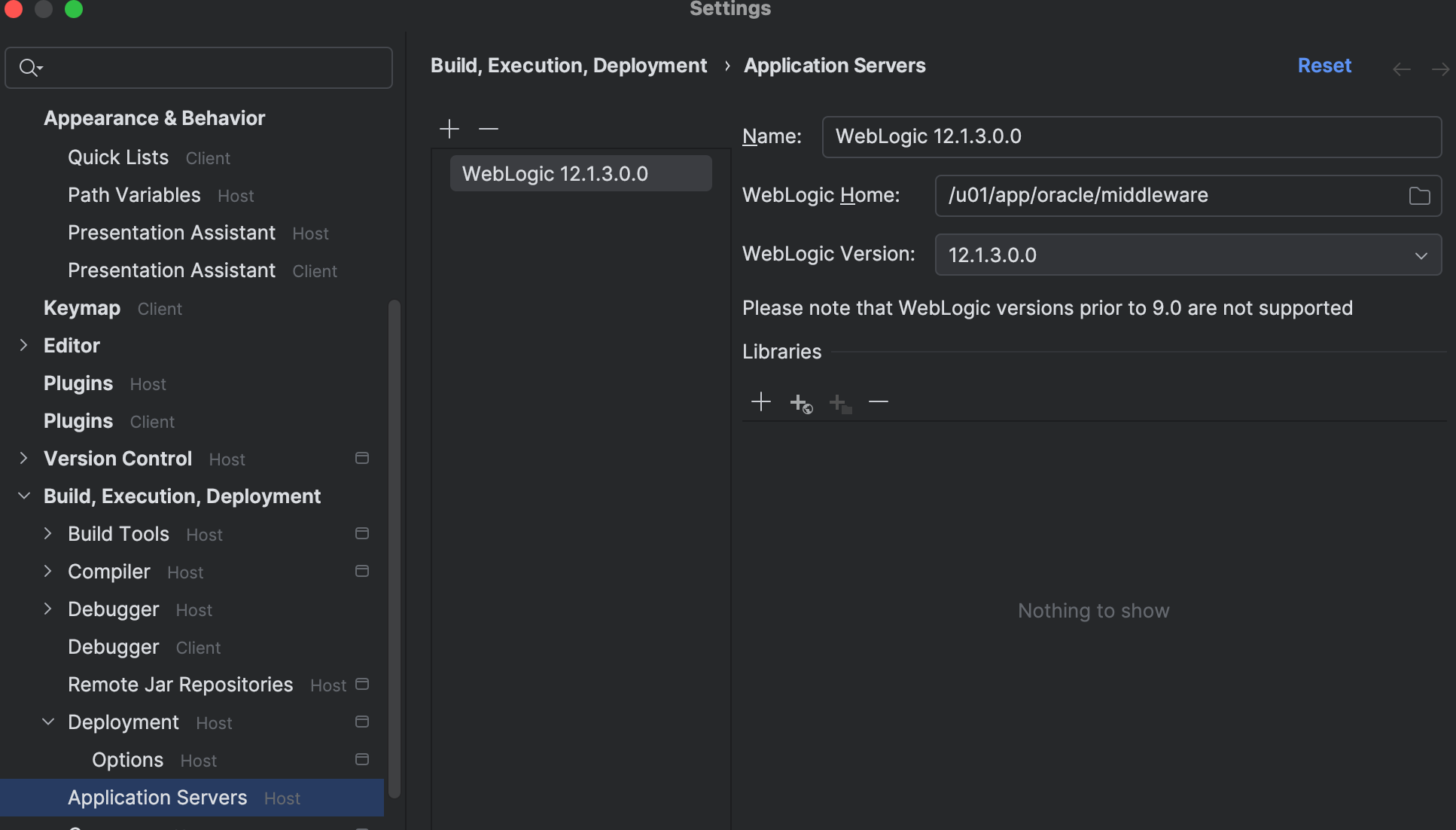
Please see https://stackoverflow.com/a/76861365/13774637