Created Project on Desktop and deleted it. All Folders on Desktop gone!
Answered

Hello,
i know this question had been asked already. But as nobody has come up with a solution yet, I'll give it a second chance.
As described above I have created a new project and selected Desktop as the project location. After deleting the project, my whole Desktop including Icons had been removed. I can't find it in the trash and my latest Time Machine Backup was done a while ago.
I would appreciate any help to understand why that happened and also how i might be able to fix this.
Thanks a lot in advance and best wishes.
Hendrik
Please sign in to leave a comment.
Was desktop folder your project root?
How exactly did you delete the project?
Thanks four your fast reply. I guess, Desktop Folder was my project location. I created a new project. At the point where you have to choose your project name and project location, I choose /Users/User/Desktop.
I'm not entirely sure about the deleting process. I assume, I clicked command + backspace while having selected the respective project.
Best wishes,
Hendrik
Selected where? Welcome Screen, Project View?
I did the following:
File->New->Project->Next->Next then the following screen appeared: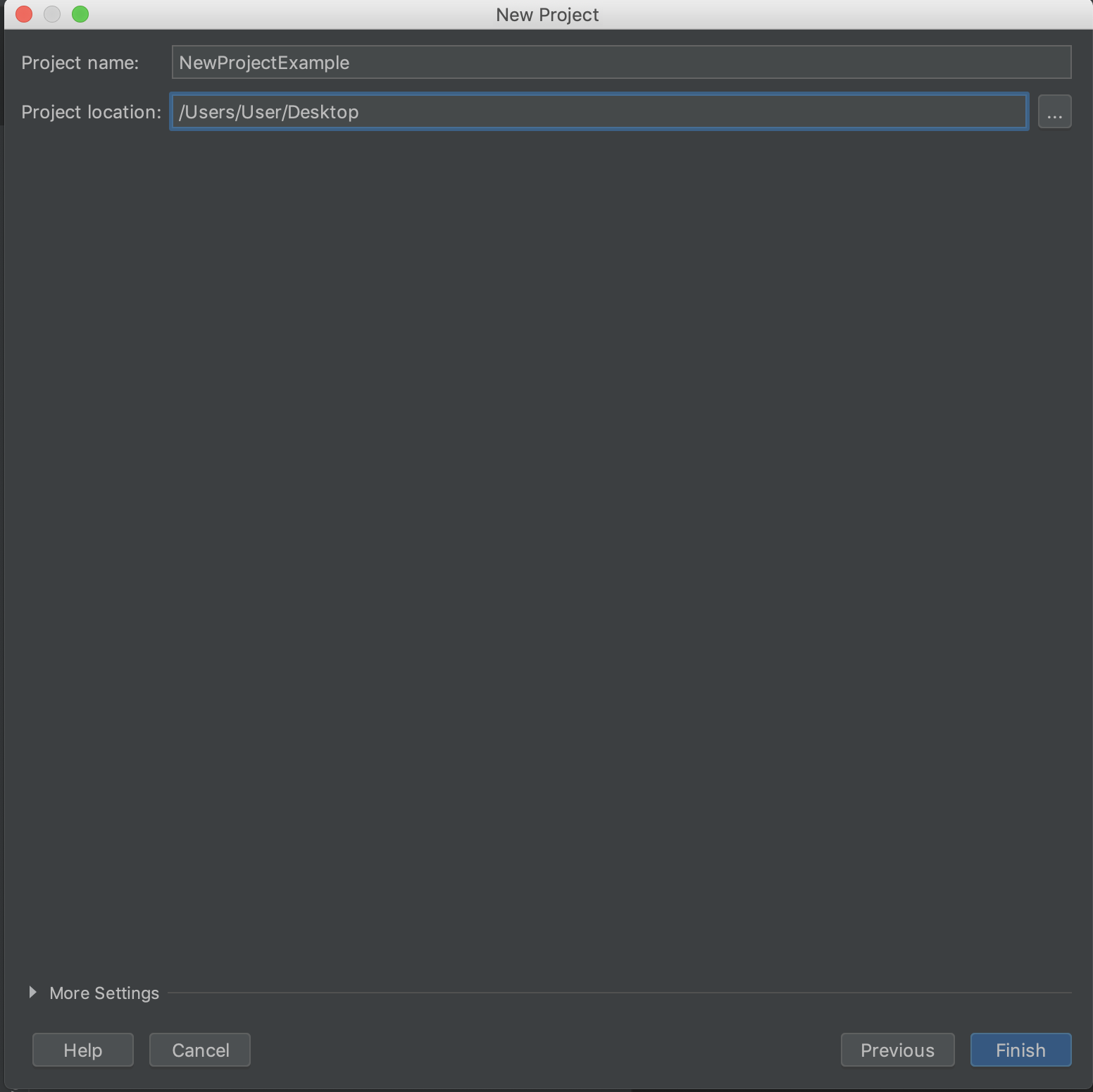
Thats where I selected the location. Hope this explains sufficiently. Many thanks!
Yes, I understand that you've selected the Desktop as the project location, the main question is how the delete was triggered and were there any warnings displayed.
Okay. The delete was triggered by me. Right after I initialized the project, I deleted it again.
Yes, there was a warning, which I reflexively ignored by hitting the enter button (stupid, I know). Unfortunately, I cannot recall what the warning said.
Still not clear how the delete was triggered.
Welcome Screen doesn't delete the project files, it only removes the entry from the list:
If you delete on the root directory of the Project View, it will only remove the module from the project, not the files: