Import module slow
Answered

third step during importing module
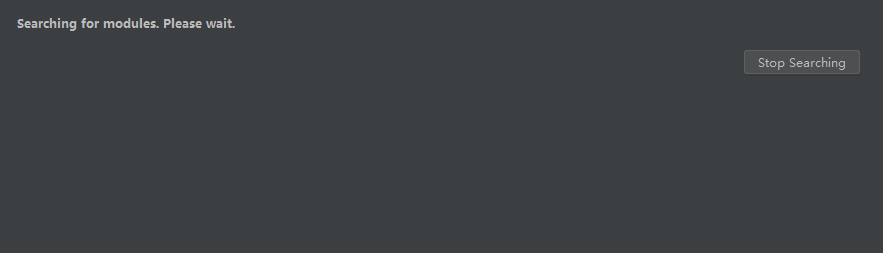
File->Project Struce -> Import Module -> ... -> Searching for modules. Please wait. take half an hour
Please sign in to leave a comment.
Is it reproducible? Is project located on local disk?
If problem remains with the version from https://www.jetbrains.com/idea/download please take several jstack thread dumps when at the moment when it is searching for modules with this dialog and attach them and IDE log folder zipped.
For uploading you can use ftp://ftp.intellij.net/.uploads / https://uploads.services.jetbrains.com or any file sharing service.
yes, it's reproducible, located on local disk
i uploaded log folder through https://uploads.services.jetbrains.com
>i uploaded log folder through https://uploads.services.jetbrains.com
What are the names of log file and jstack dumps? Jstack dumps will be needed for the investigation.
name is log.rar
my idea version is ic 2019.1
my colleague's idea work well,his version is iu 2018.2
Log does not show any problems.
Try with antivirus/firewall disabled or make sure that IDE settings directories IDE installation home and project files are excluded from the scan.
If issue remains provide jstack thread dumps of IDE process at the moment of issue.
I upload jstack file
please check
20mins jstack file
I see IDE is doing file I/O operations. Looks like antivirus problem. Try mentioned steps.