Can not scroll details in Settings
Answered

Hi there,
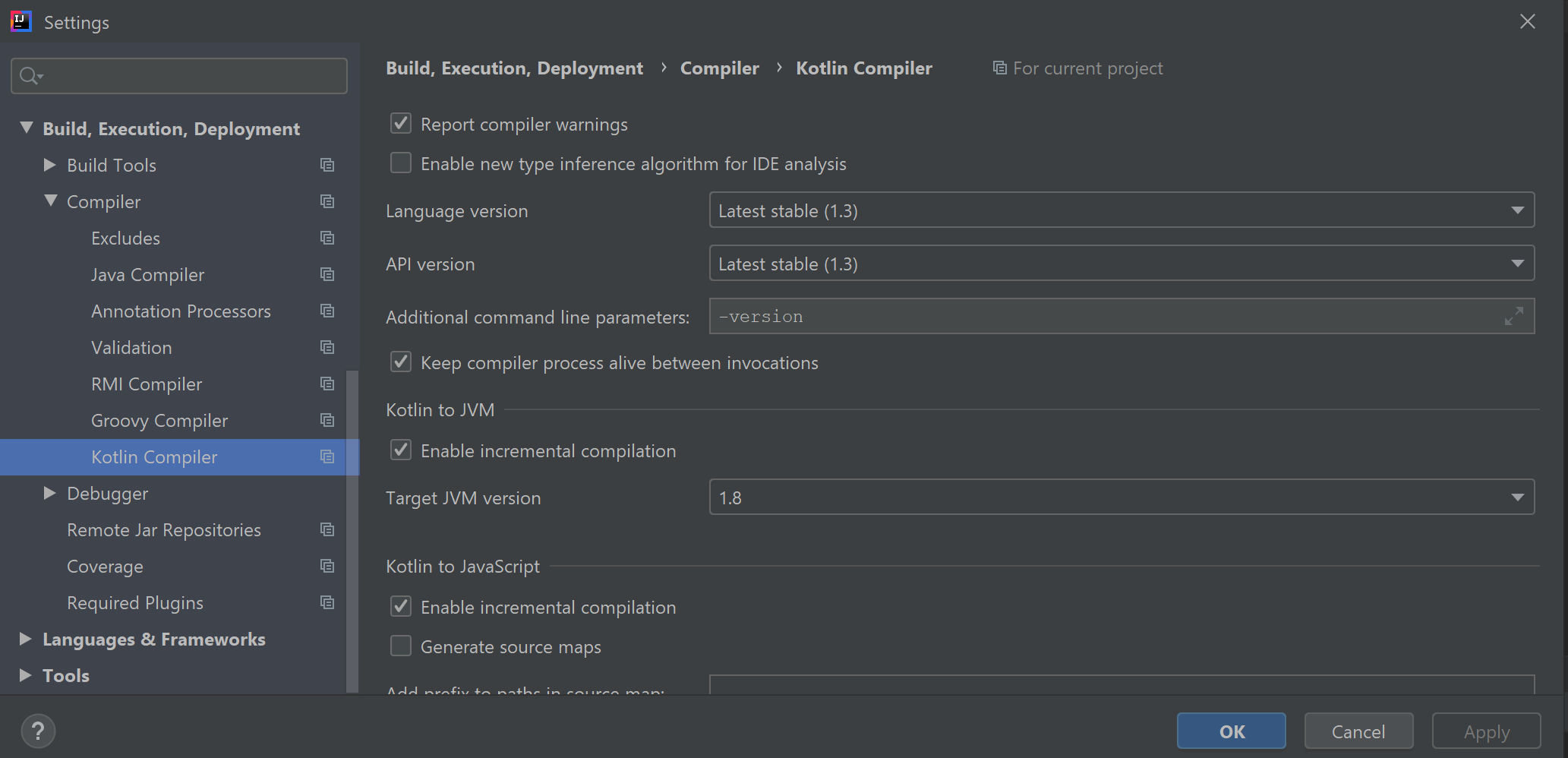
I can not scroll the details pane on the right of the Settings dialog. I'm on Windows 10.
Am I missing something or is this a bug?
Regards, Torsten

Please sign in to leave a comment.
We can't reproduce this problem with scrolling the settings page. Please share the logs (Help | Collect Logs and Diagnostic Data) at https://uploads.services.jetbrains.com/ .
Thanks for the quick response, Serge.
I have uploaded the logs: 2020_07_10_W9jY7QVbtuZgBboW
Does it help if you resize the settings window? Do you see a scrollbar?
Here is how it should look like:
Could you please also try 1.4 Kotlin plug-in and see if it helps?
Resizing did not help, no.
But changing the Kotlin plugin did. After restarting the scrollbar was available. I switched back to the stable plugin and restarted again - still scrollbars available.
Problem solved, thanks for your help!