PyCharm Debugger does not display my class attributes
Answered

I have a class named "MatchedPurchase" with several attributes, however, the pycharm debugger does not display the attributes for any given instance of that class.
Here you can see that the object "mp" and list of objects in "matched" show nothing.

Even though the attributes are definted and will print out:
What am I doing wrong here?
Please sign in to leave a comment.
Have you checked under Special Variables?
For example:
UPD:
Shouldn't you unfold mp variable instead of matches?
Thank you for you're reply, if I understand correctly looking at the variable mp in the first screenshot you can see the arrow is facing down; but no attributes are displayed. I can toggle the arrow.

I tried again today with no success
And I couldn't find mp or matches in the Special Variables either:
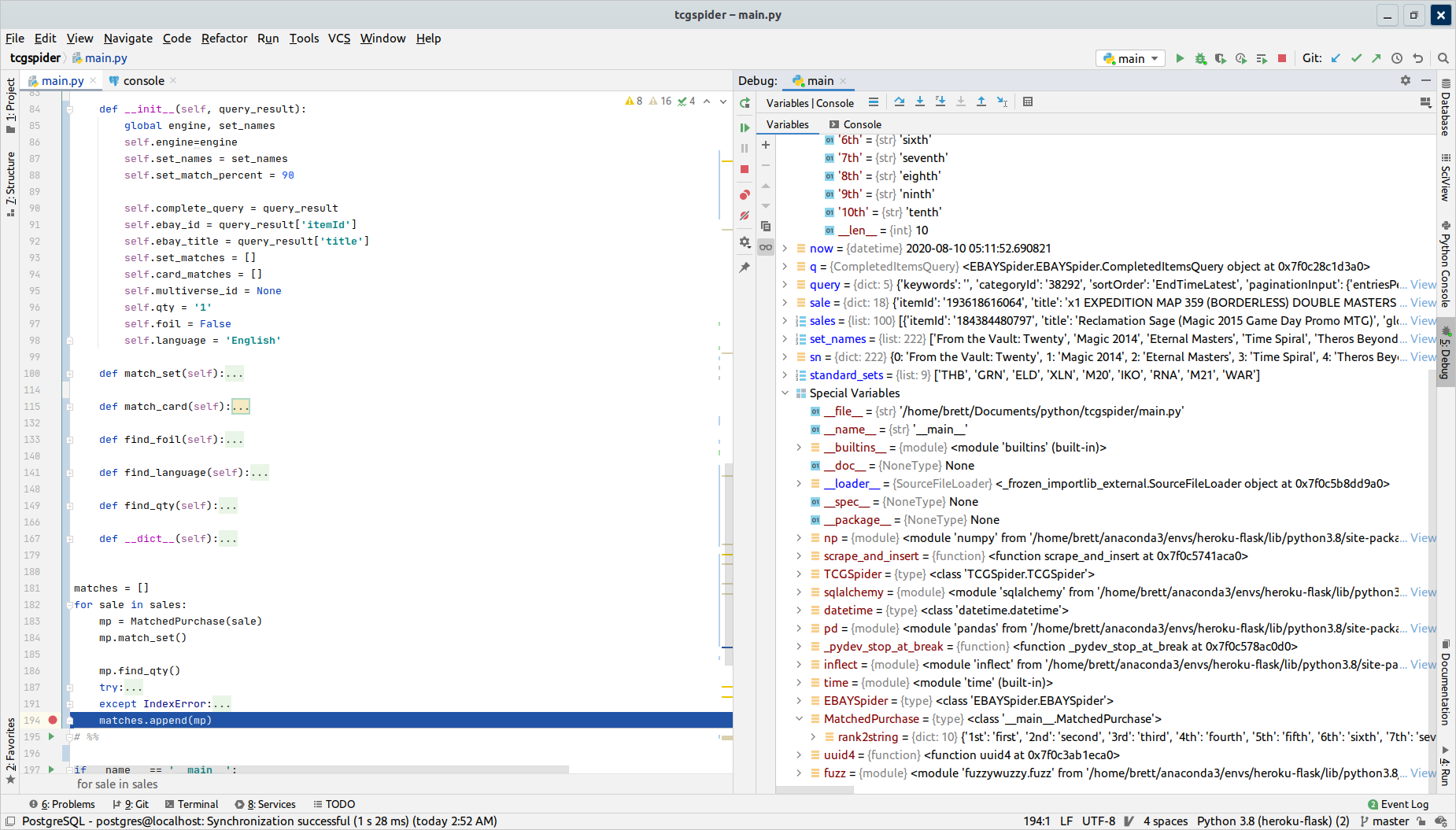
Ahh, sorry, I didn't notice it.
Would it be possible to provide a code snippet and steps for reproducing the issue?
I can't reproduce it with my code based on your screenshots.
Ok, lets see I've paired down the project
Produces the following result:
Requirements.txt:
Ahh, I see. I wasn't able to reproduce it because I didn't add __dict__ attribute and it seems to be the culprit. I filed a bug to our issue tracker about that https://youtrack.jetbrains.com/issue/PY-43955, feel free to vote and comment.
Thank you so much for your help! This is my first time working with a professional IDE and I'm very happy with PyCharm. Its crazy to think I've deployed systems to customers using basically text editors - this makes everything much more manageable; I was pulling my hair out wondering what could be going on.