Files become 0KB/empty after reverting in Pycharm 2019.2.1
Answered

Hi
I'm wondering how to restore files in a project folder? Below is an example of the issue I met.
1. I've got a project folder on desktop:
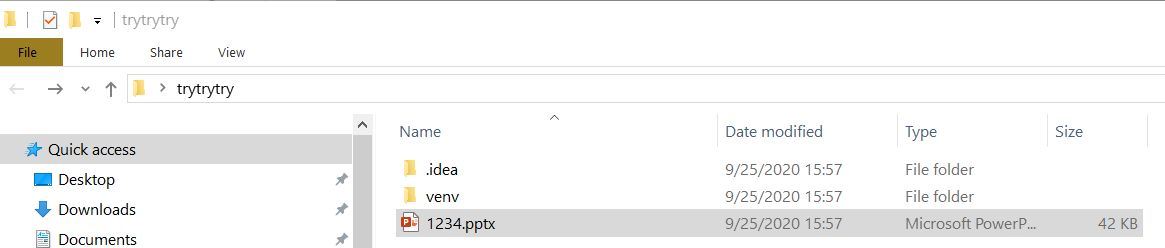
2. I accidently delete this project in Pycharm:

3. I go to Local History and revert the deleted files:

4. The file '1234.pptx' is back but it is now empty:

Please sign in to leave a comment.
Hello,
I could not reproduce this. The Local History does not keep information about deleted files for me. What version of PyCharm you are running?
Hi, the same problem today. I'm using Pycharm Professional 2020.3.5.
Please file an issue to https://youtrack.jetbrains.com/issues/IDEA and provide steps for reproducing the problem.
We'll investigate.
I have the same issue on PyCharm 2021.1. I have described the issue here https://youtrack.jetbrains.com/issue/IDEA-268252
Same issue with an xlsx file. Steps to reproduce are simply put excel sheet in folder → delete with pycharm → revert. File is back with 0kb and all data is irretrievable.