Large Icons in Pycharm
Answered

What are these large icons(?) in PyCharm?
I have never seen these before/ don't know what I did to get this / don't know what to search to fix this.
I am working on PyCharm 2018.2.4(build 182.4505.26) & macOS Catalina Version 10.15.7
This is what I see & its driving me crazy: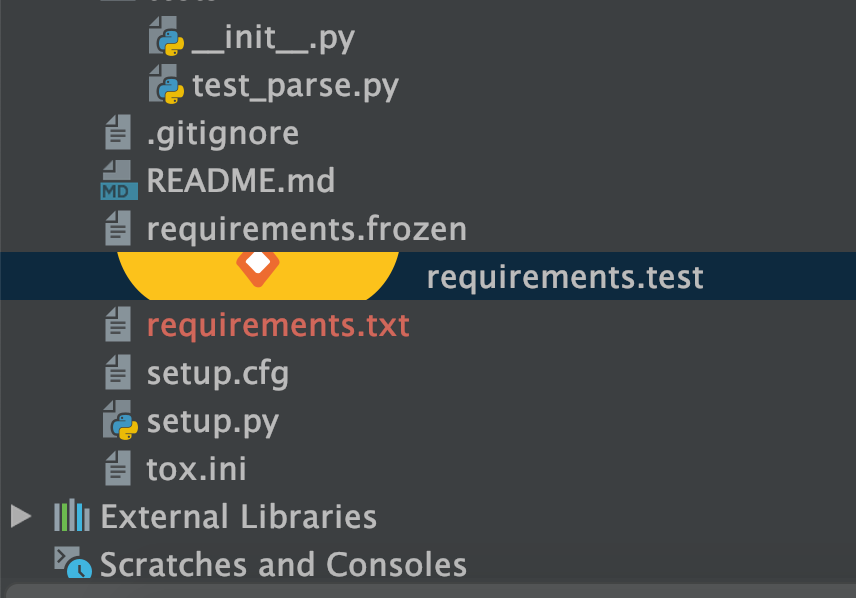
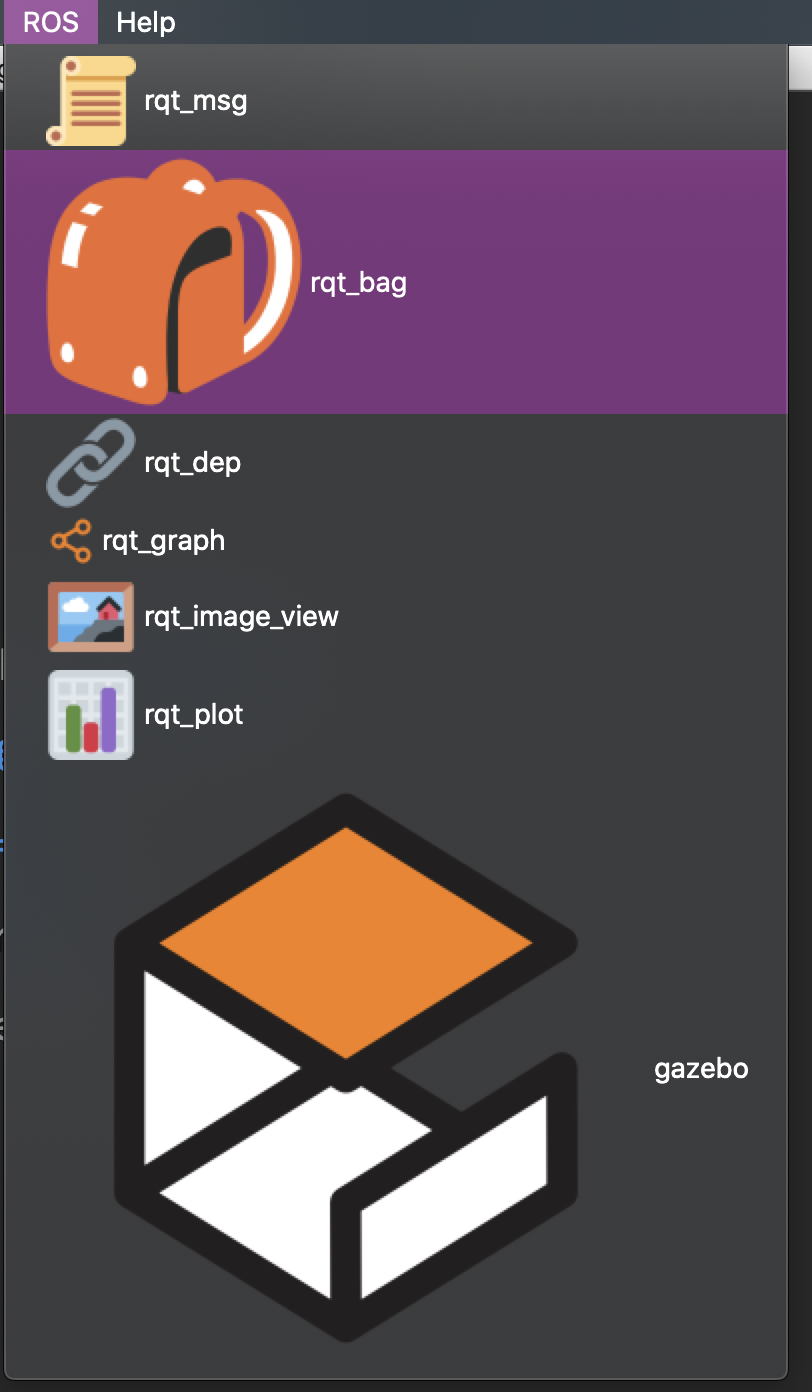
THANKS IN ADVANCE
Please sign in to leave a comment.
Did you install any custom plugins recently?
If so, then disable them, restart PyCharm, and try again.
Yup that was it, I guess I accidentally installed a plugin. I uninstalled the plugin and now its back to normal. Thank you.