cant load pycharm
Answered

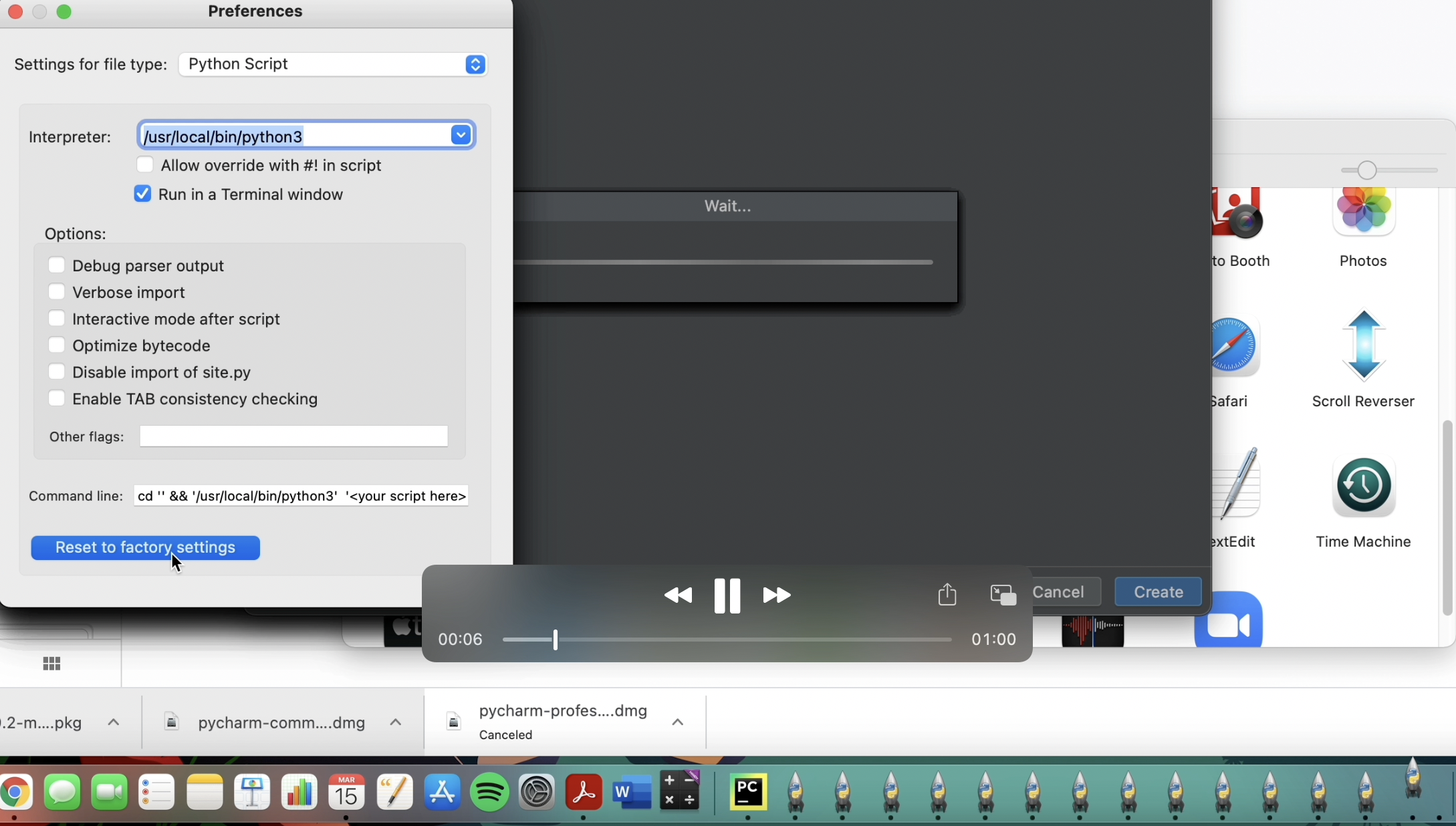
i have m1 cheap, i have installed python and everything, but everytime im trying to launch pycharm im getting this bug.
opens hundreads of python launchers and everything is breaking. please help
Please sign in to leave a comment.
Did you configure /usr/local/bin/python3 as your interpreter in PyCharm?
Do you see any errors/exceptions in idea.log? See https://intellij-support.jetbrains.com/hc/en-us/articles/207241085
i did configure python 3
and this is my log:
https://drive.google.com/file/d/1ArmaLwmwBsAUh-0zuRdB1SIDFaLsPY0g/view?usp=sharing
You configured /Applications/Python 3.9/Python Launcher.app/Contents/MacOS/Python Launcher as your python interpreter which is incorrect. It's not actually python executable. It doesn't start Python REPL, for example.
Remove .idea folder of the project you are opening, then reopen it in PyCharm, and configure valid python interpreter in Preferences | Project | Python Interpreter
Running which python in the terminal should return the location of the correct python executable.
thank you so much. i switched the interpreter and its now working!