External merge tool argument pattern isn't saved

I'm using PyCharm Pro 2022.1 on my MacBook Pro (Monterey), and I'm trying to set up nbdime as an external merge tool for notebooks. I configured it under Preferences > Tools > Diff & Merge > External Diff Tools:

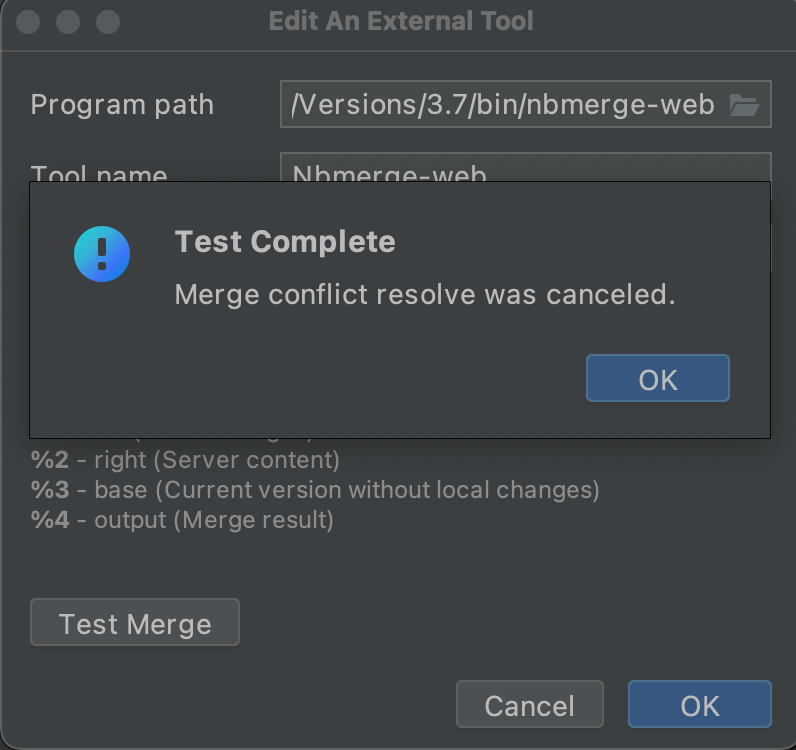
And when I click "Test Merge", a browser window is opened successfully, and PyCharm displays a "Test Complete" window when I close the browser window:
The problem is that after clicking OK, Apply, Ok, and re-opening Preferences > Tools > Diff & Merge > External Diff Tools, the Argument pattern seems to have been reset to "%1 %2 %3 %4":
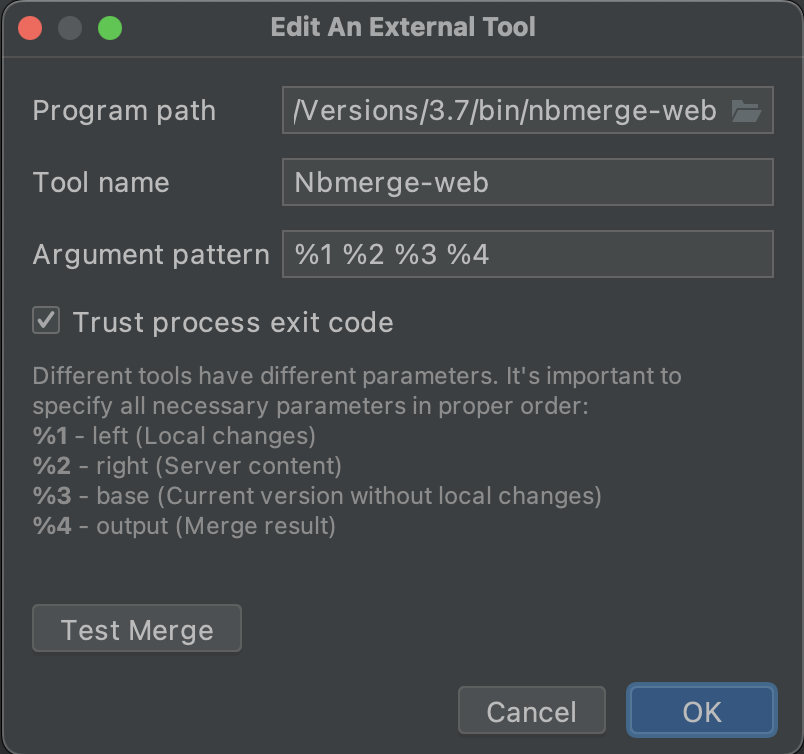
which makes the tool useless (the "Test Merge" button no longer works as expected - a browser window is not opened after clicking the button).
Note however that the Diff tool (which I set to nbdiff-web) is working (i.e. the argument pattern that I have set is saved and everything works as expected). But for some reason the argument pattern isn't saved for the merge tool. Is there a way to edit this externally maybe so PyCharm stops resetting it?
Thanks
Please sign in to leave a comment.
Hi,
There is a relevant feature request in our issue tracker https://youtrack.jetbrains.com/issue/DS-2862/Show-logical-diff-when-merge-compare-Jupyter-Notebook-files, please vote for it and feel free to comment.
Sergey Karpov - Thanks for the reply, and I just voted for the feature, but that's not the issue I'm complaining about. PyCharm already supports integrating an external merge tool, but it doesn't save the argument list I type in the settings. Looks like a bug in PyCharm.
@Alaa thank you for reporting! Please follow this issue on tracker for further updates.