Not able to configure command line launcher
已回答

I am not able to configure the command line launcher. I did visit the link given "https://www.jetbrains.com/help/idea/2023.2/working-with-the-ide-features-from-command-line.html?utm_source=product&utm_medium=link&utm_campaign=IC&utm_content=2023.2" which was not helpful at all.
Please guide me through the process.
macOS: Sonoma 14.0
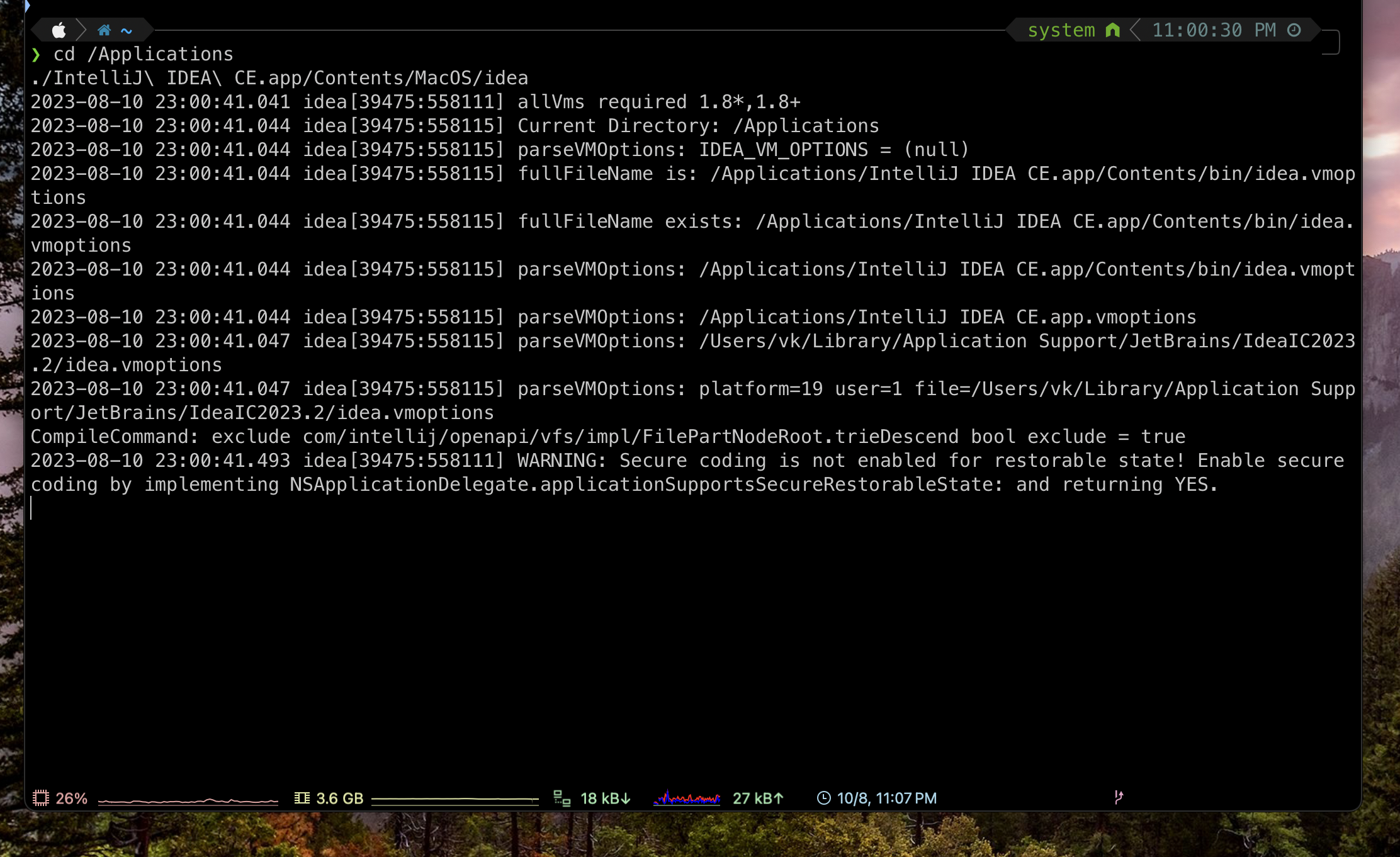
it is getting stuck here after i executed the command.
请先登录再写评论。
Hi, do you use the below in the idea script file?
#!/bin/sh
open -na "IntelliJ IDEA.app" --args "$@"
You installed the `IntelliJ IDEA CE.app` not IntelliJ IDEA.app. Please replace that `IntelliJ IDEA.app` with `IntelliJ IDEA CE.app` in that script to fix this issue.
After fixing this issue, can you use the `idea` in the command to start? If not, is it still stuck if you run `open -na "IntelliJ IDEA.app"` in the command line to start the IDEA from the command line?
Thank you very much, Lejia Chen
It worked after the 3rd attempt.
Appreciate your help.